three.js cube
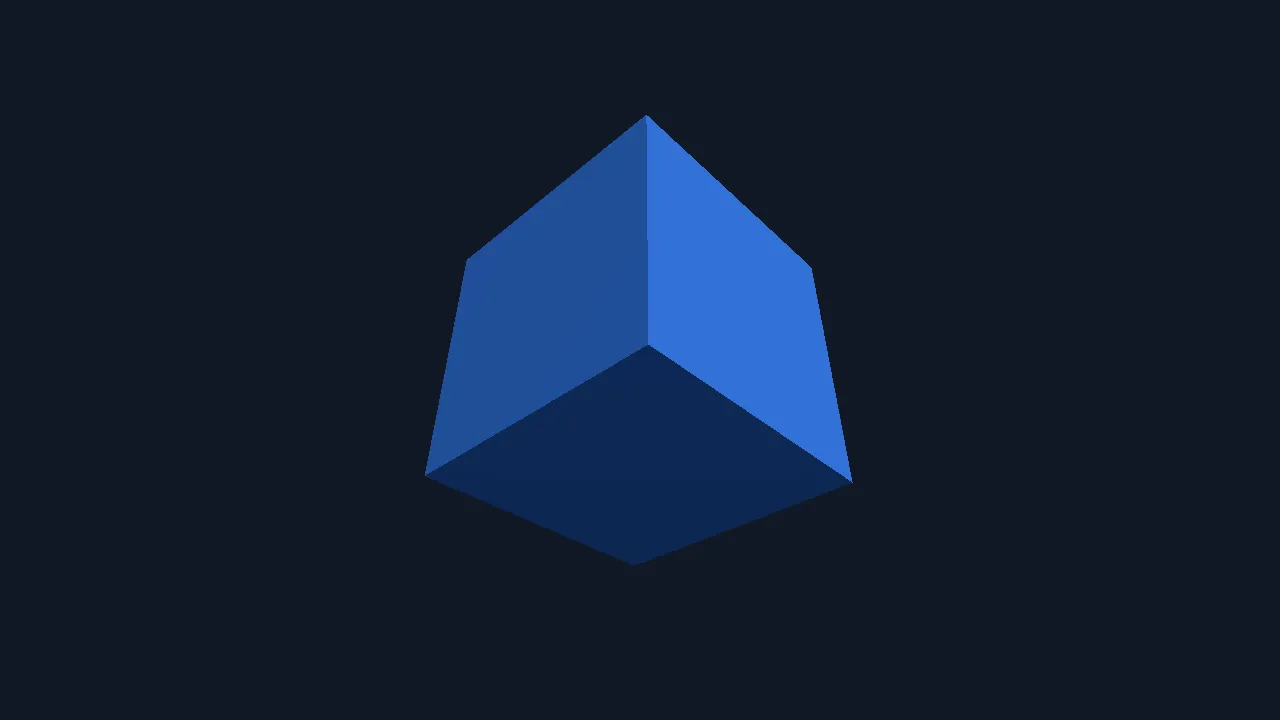
What you are looking at: one cube, three visible faces, each a different shade. That shading is the whole test — it means a real light is being evaluated per fragment and the depth buffer is sorting the faces correctly. A flat silhouette would mean something had quietly fallen back.
What it proves
Section titled “What it proves”src/main.js is plain three.js 0.186: WebGLRenderer, PerspectiveCamera, MeshStandardMaterial,
an ambient and a directional light, setAnimationLoop, and a resize handler.
MeshStandardMaterial is physically based — it compiles a substantial shader, so this is a
meaningfully harder ask of the GL layer than a sprite.
The one that does not run everywhere
Section titled “The one that does not run everywhere”Run it
Section titled “Run it”npm run build:screenkit -w screenkit-example-threejs-cuberuntime/build/macos/screenkit-host --window examples/threejs-cube/app.skpkg