Lightning 3 + Blits
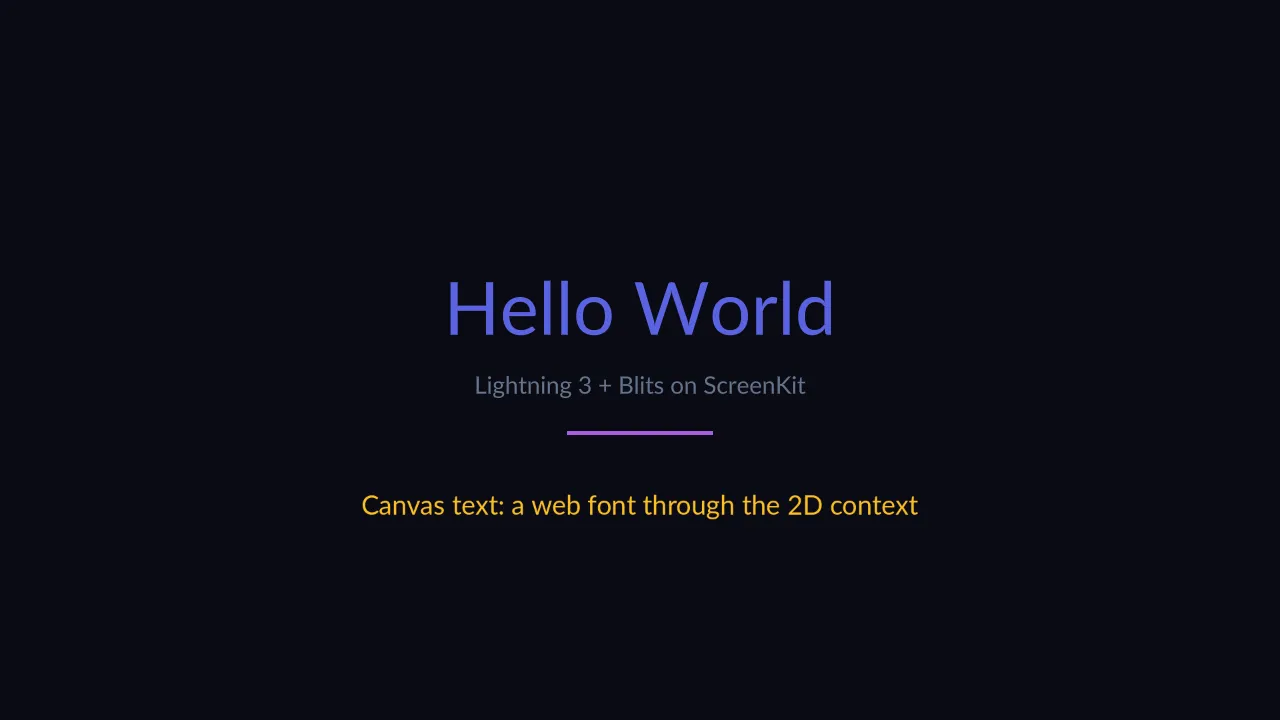
What you are looking at: the app that defines a milestone. M6’s exit criterion is “unmodified Lightning 3 renders a real UI with text”, and every glyph above is that criterion being met.
The text is not one thing. “Hello World” and the grey subtitle come from MSDF atlases generated at
build time — signed-distance fields Lightning samples in a shader, which is why they stay crisp at
any size with no font rasteriser in the runtime. The amber line is the other path entirely:
fillText on a 2D canvas, with glyphs from SDL3_ttf, uploaded as a texture.
What it proves
Section titled “What it proves”| Exercised | How |
|---|---|
| Lightning 3’s WebGL renderer | unmodified, from npm |
| Blits’ component model | the layout and the colour-cycling accent bar |
| MSDF text | Blits’ own msdfGenerator Vite plugin writes the atlases into the build; screenkit bundle copies them into the package |
| Canvas 2D text | the amber line, a web font through the 2D context |
Why MSDF and not a font engine
Section titled “Why MSDF and not a font engine”A TV UI needs crisp text at a distance, and a runtime that ships FreeType and HarfBuzz is a much bigger runtime. Lightning’s answer — bake the glyphs into a signed-distance atlas at build time and sample them in a shader — costs no runtime font machinery at all.
The trade is real and worth knowing before you commit:
- No arbitrary runtime font loading.
- No complex-script shaping unless it was baked ahead of time.
- A fixed glyph set per font.
Right for a TV UI; wrong for a text-heavy app. And screenkit bundle
fails the build on a font without its atlas, rather than shipping an app that renders nothing
where text should be.
Run it
Section titled “Run it”npm run build:screenkit -w screenkit-example-lightning3-blitsruntime/build/macos/screenkit-host --window examples/lightning3-blits/app.skpkg