PixiJS hello world
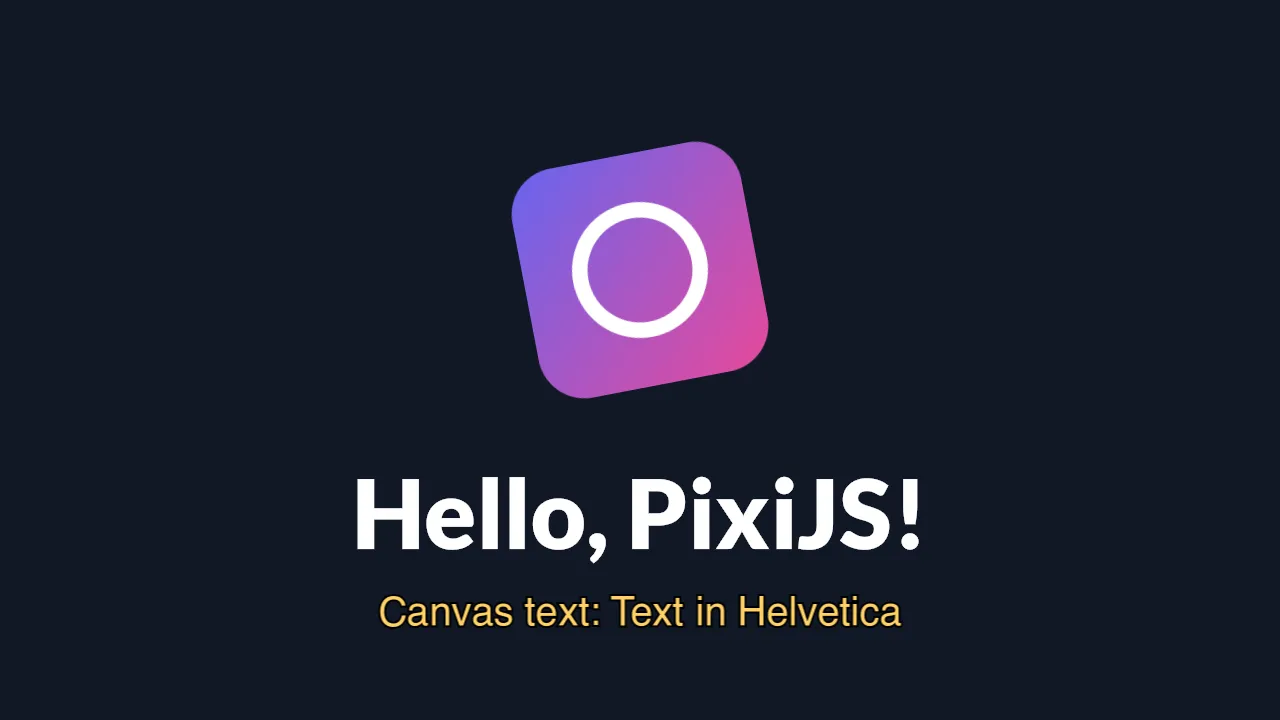
What you are looking at: the Pixi logo, spinning and pulsing, above two pieces of text. The big
one is a bitmap font; the amber line below it is fillText on a 2D canvas, uploaded to WebGL
as a texture. Those are two different paths through the runtime, and the screenshot shows both
working at once.
What it proves
Section titled “What it proves”src/main.js is plain Pixi 8 — Application with resizeTo: window, Assets.load, a Sprite,
BitmapText, the ticker. Nothing in it knows it is on a television.
| Exercised | How |
|---|---|
| WebGL 1 through the DOM shim | Pixi’s renderer, on the page’s frame canvas |
Assets.load |
reads the texture out of the package, not the network |
| Bitmap text | the crisp “Hello, PixiJS!” |
| Canvas 2D as a texture source | the amber line: fillText with SDL3_ttf glyphs, then uploaded |
resizeTo: window |
the drawable’s size, reported through window |
The one thing an app has to know
Section titled “The one thing an app has to know”Pixi creates a Web Worker to decode textures unless you tell it not to, and there are no Workers:
import { Assets } from 'pixi.js'Assets.setPreferences({ preferWorkers: false })Browsers accept the same preference, so this is not a fork of your app — it is one line that is true
everywhere. Without it, the first texture load throws ReferenceError.
Run it
Section titled “Run it”npm run build:screenkit -w screenkit-example-pixi-helloruntime/build/macos/screenkit-host --window examples/pixi-hello/app.skpkgThis is also the app the Android script bundles by default:
sh tools/android/android.sh build packs examples/pixi-hello into the APK.